After respondents complete and send out surveys, they will be automatically redirected to the Thank You Page. The default Thank You Banner image on the Thank You Page will be the same picture as shown below:
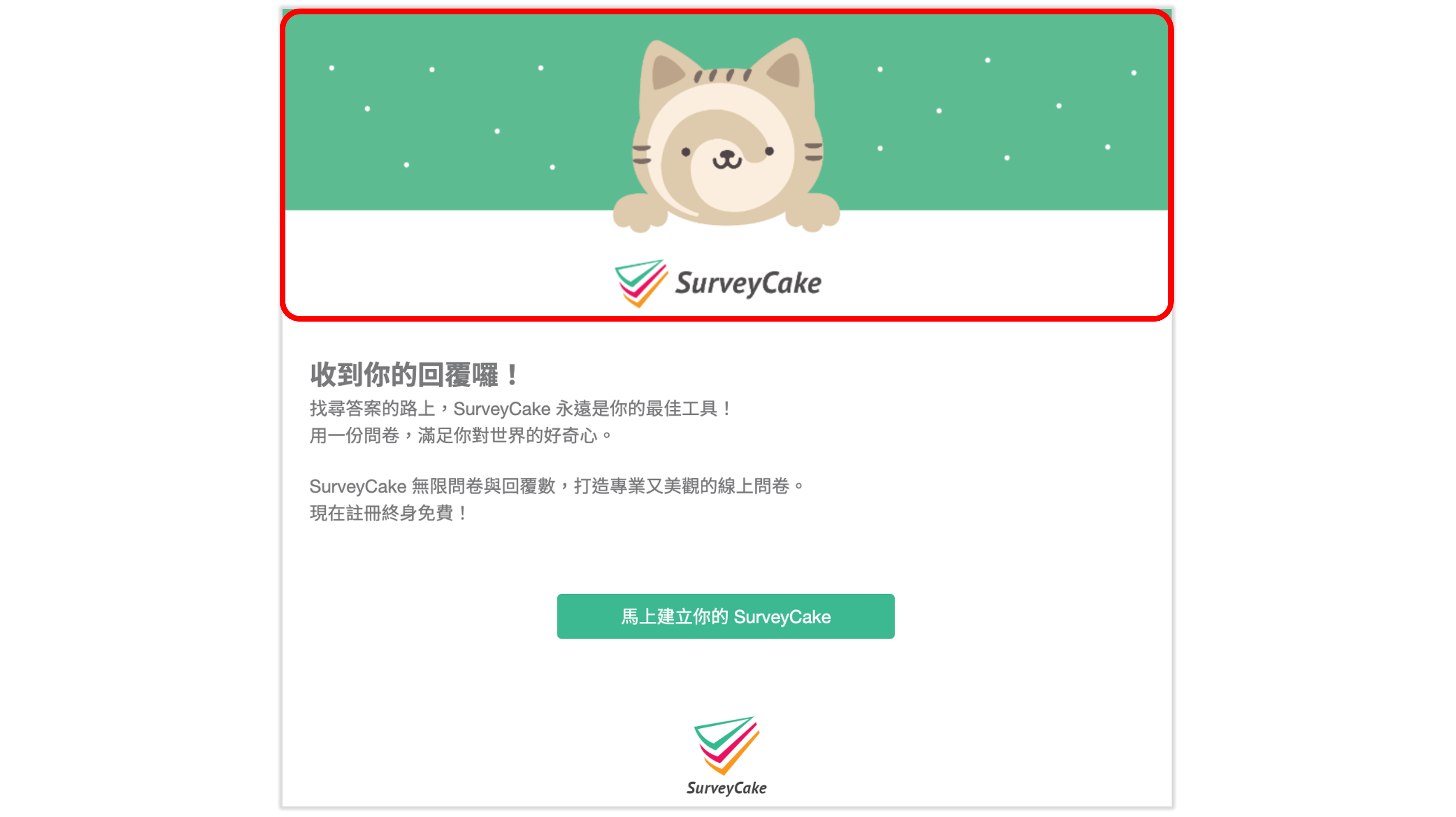
In SurveyCake PRO, you can freely set Thank You Banner and Thank You message, allowing for greater flexibility in page design and better theme coordination!

Thank You Banner settings are located in the first step - Setup. Easily upload images or videos by clicking Add Image!
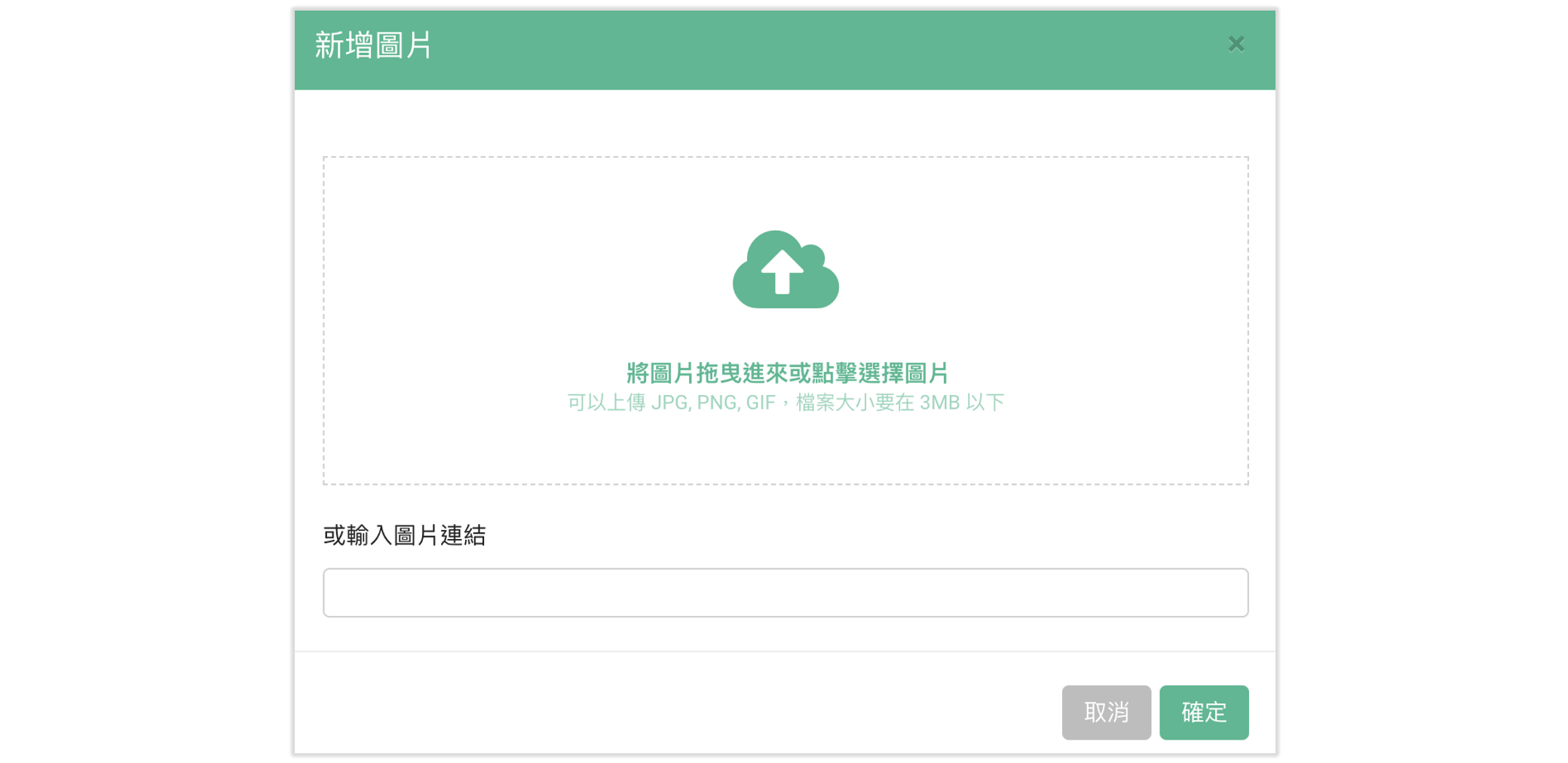
You can upload image files directly (jpg, png, gif files are supported), or you can enter an image URL to add a new image!
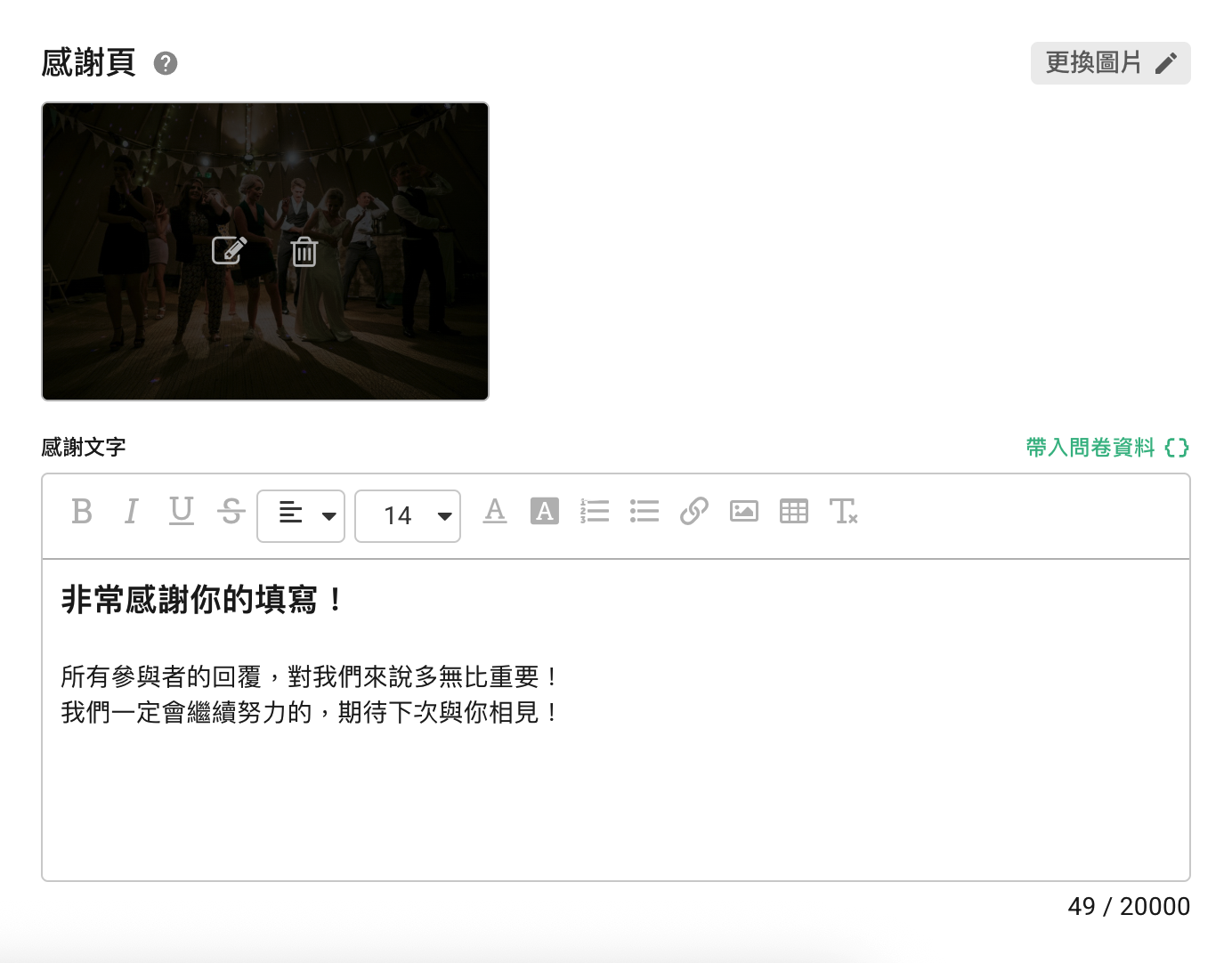
After successful upload, you can check the Thank You Banner for this survey!
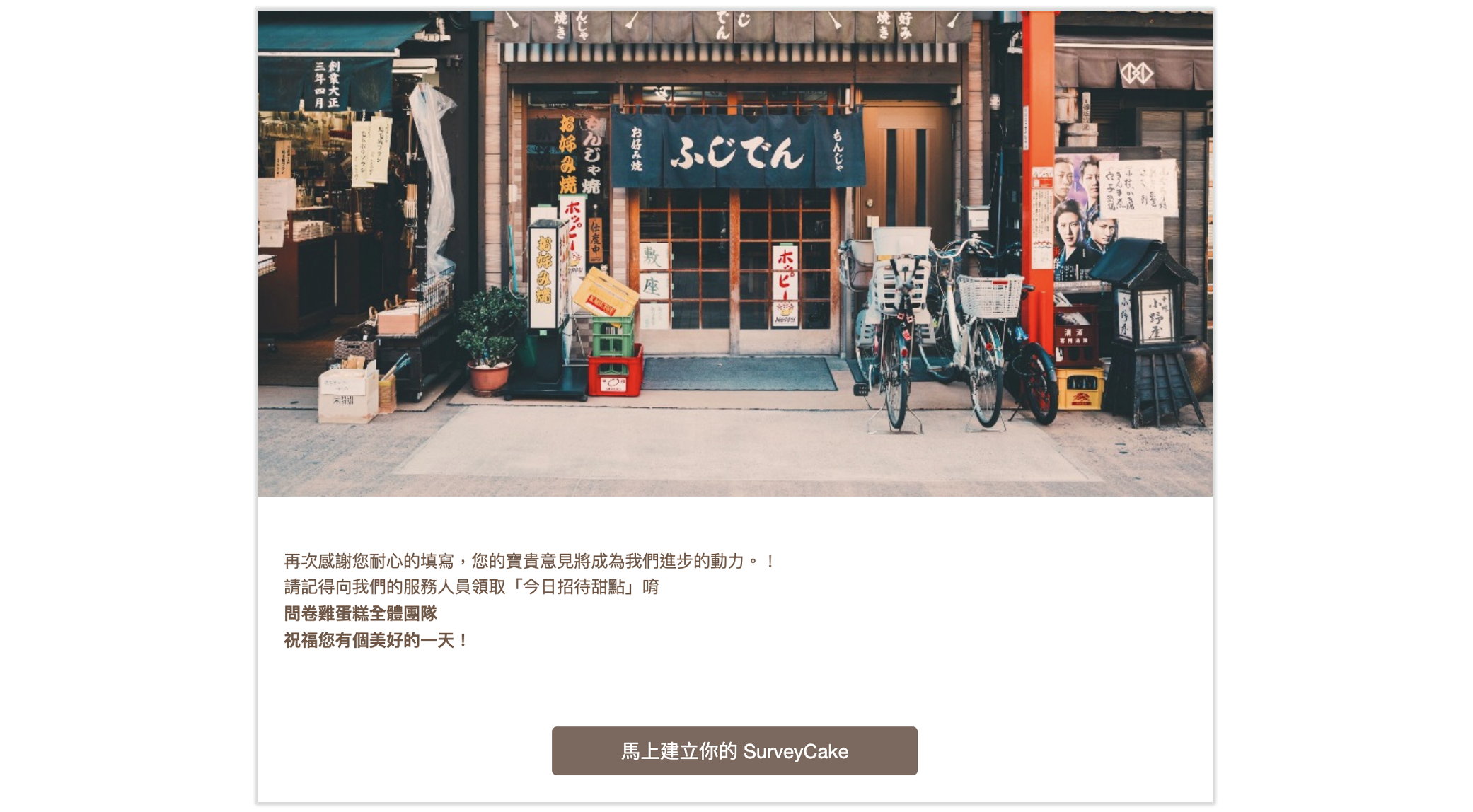
Summary
Thank You Banner allows you to easily upload a picture for your Thank You Page!



