After having gone through the "Setup," "Build," and "Design" of the survey design process, the final step is "Share"! In this step, we provide three sharing ways for you to share the survey!
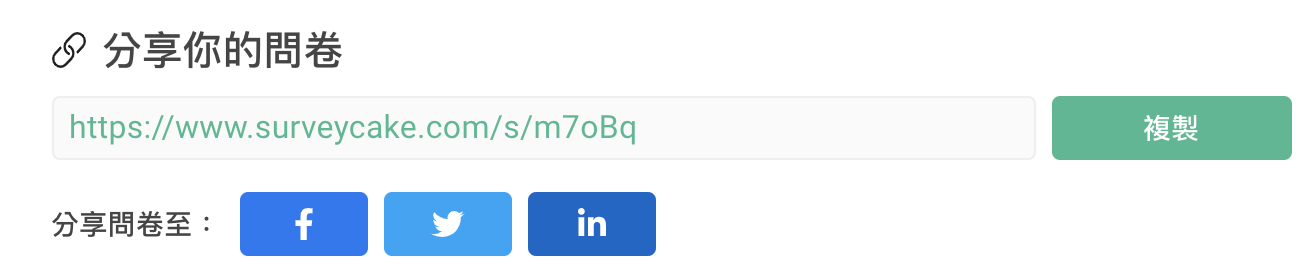
First and foremost is the Survey Link. Copy and paste the link or share it directly with online communities. Once respondents click your link, they will be able to fill out your survey.
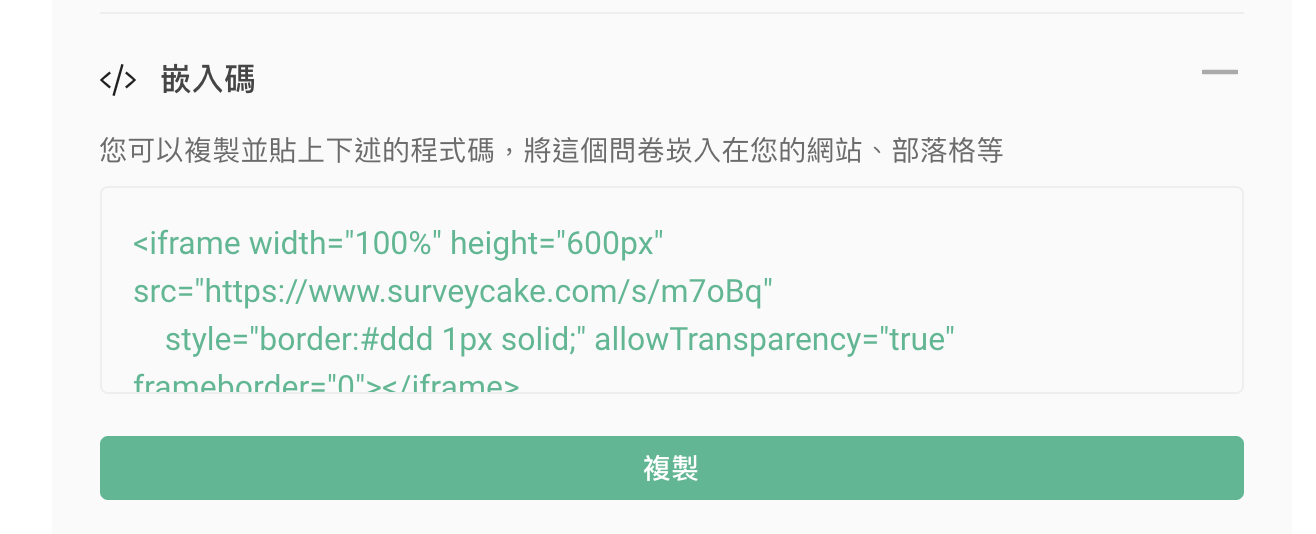
Second, with the Embed Code, you can directly insert the survey into your website or blog so that the bounce rate would be reduced efficiently!
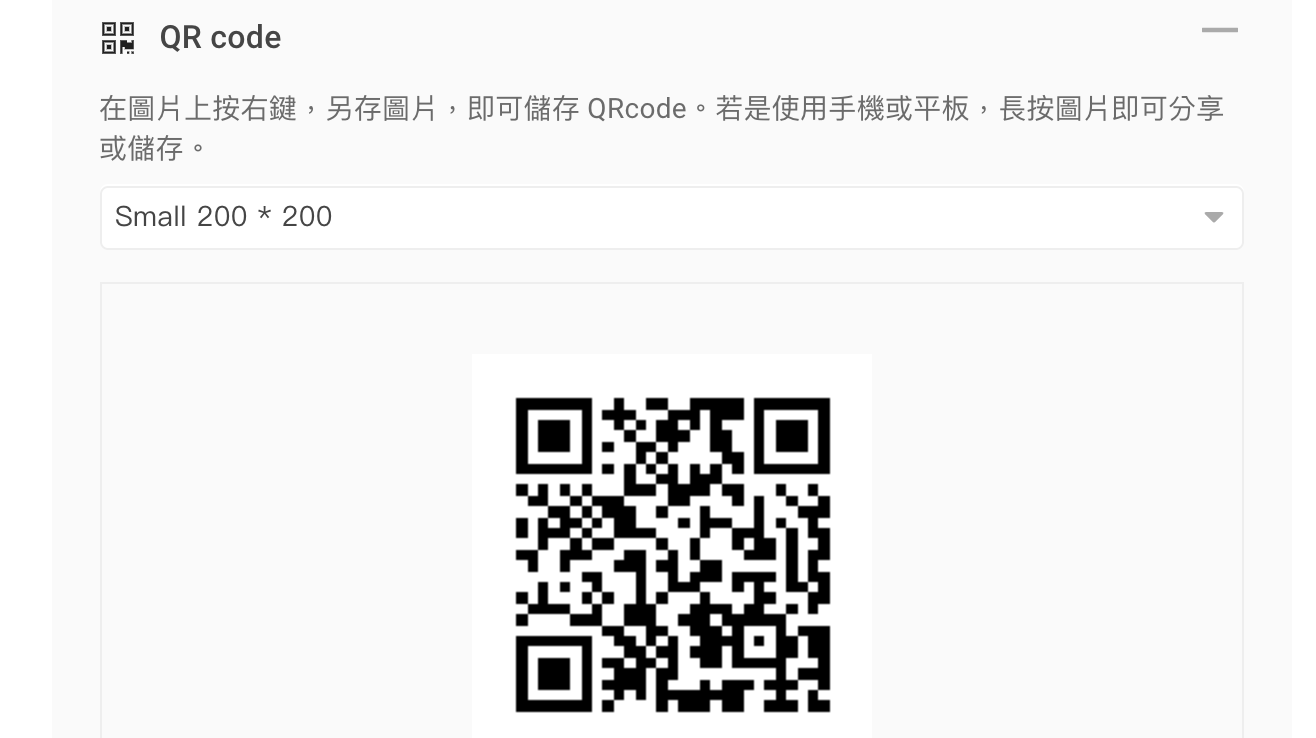
Finally, for graphic output and live events, you can use QR code to get responses.
NCC SMS Sending Regulation Update
Starting from November 18, 2024, the National Communications Commission (NCC) has implemented strict SMS sending regulations.
If you plan to send surveys via SMS, please take note of the following key points:
SurveyCake survey links are currently on a shared domain, which cannot be used directly for commercial SMS under the new regulations.
To send surveys via SMS, you must apply for and pass URL approval with the telecom provider.
This regulation only applies to commercial SMS sent by businesses or organizations and does not affect personal message exchanges.
This regulation is limited to Taiwan and does not apply outside the region.
If you are a BASIC, PRO, or TEAM plan user and need to send surveys via SMS, please consider the following solutions:
Use a Custom Domain and Configure it Yourself:
For: Users who already own a custom domain
Steps: Purchase a custom domain, use a URL redirection tool for setup, and apply for approval with the telecom provider independently
Use a Custom Domain with SurveyCake Assistance:
For: Users unfamiliar with domain configuration
Steps: Purchase a custom domain and apply for telecom approval; SurveyCake will assist with the redirection setup to ensure smooth SMS delivery
Special Offer: Upgrade to the TEAM annual and enjoy free redirection services. Apply here!
If you are an existing ENTERPRISE plan user and require SMS sending, please contact your dedicated Customer Success Manager.
FAQ
Can I adjust the content of the survey after it is published?
Yes! The data will NOT be deleted if you simply re-edit the description of topics or the order of the options though it may lead to the corresponding changes.
For example, if you rename the option description from Option A to Option B in the survey, the description of the topic in the chart report and data report would convert Option A to Option B as well.
However, the data will no longer exist and be recovered if you DELETE the topics or options in the survey. Therefore, instead of deleting them, we suggest you adjust with Invisible and Invisible Options to both hide and retain the data in the survey.
Tips: Do NOT delete the initial topics and options randomly in your published survey in case the received responses be eliminated.
Will the link/QR Code of the questionnaire be affected if I re-edit the content of the survey?
No, the link and the QR Code will remain the same even if you modify the very survey in any way after it is saved and published!
Summary
Take advantage of Share Survey by Survey Link, Embed Code, and QR Code to easily increase response rates to your surveys!



