With Share Charts under the Chart Report tab in SurveyCake's admin panel, you can share survey results using links.
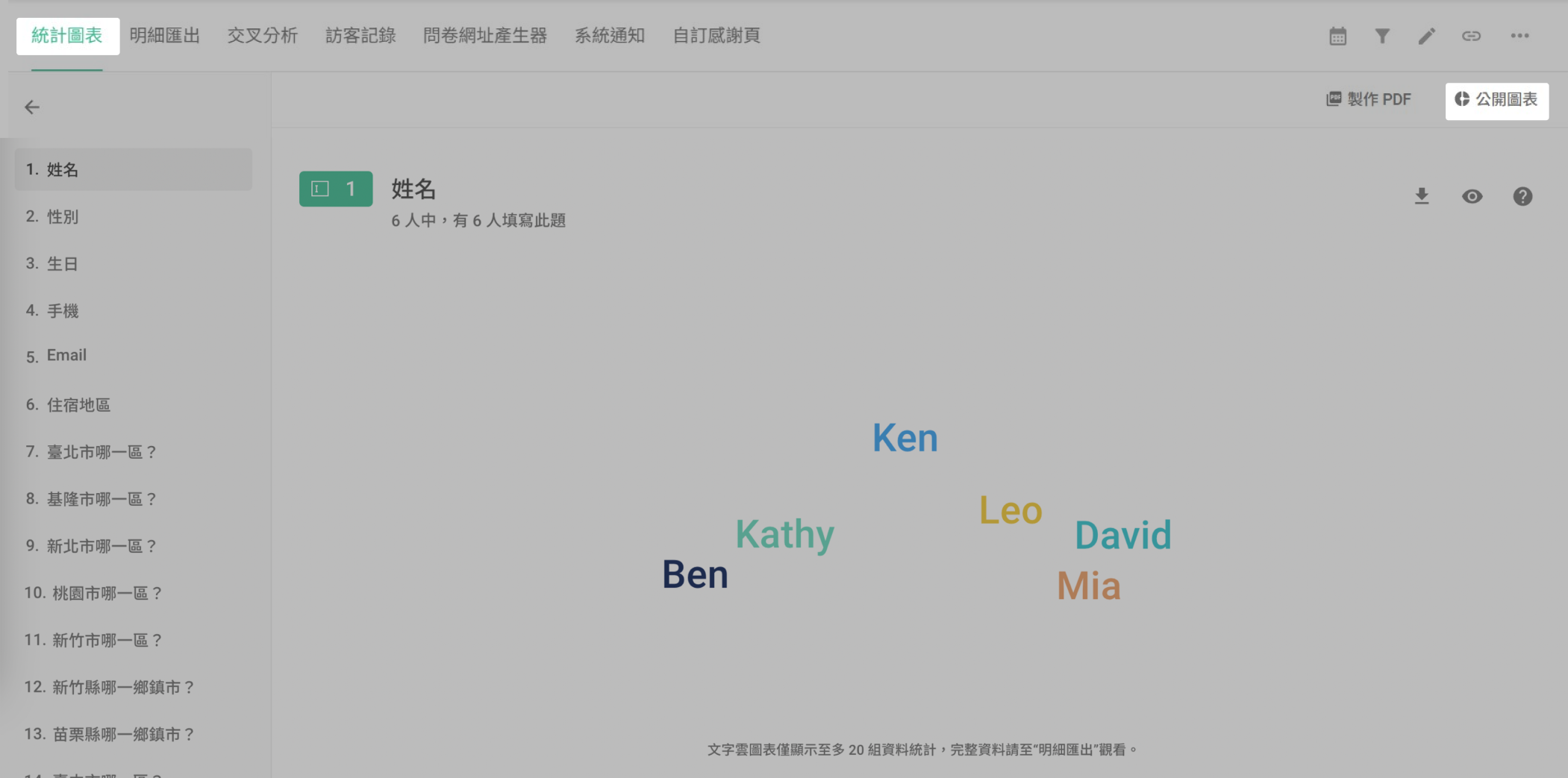
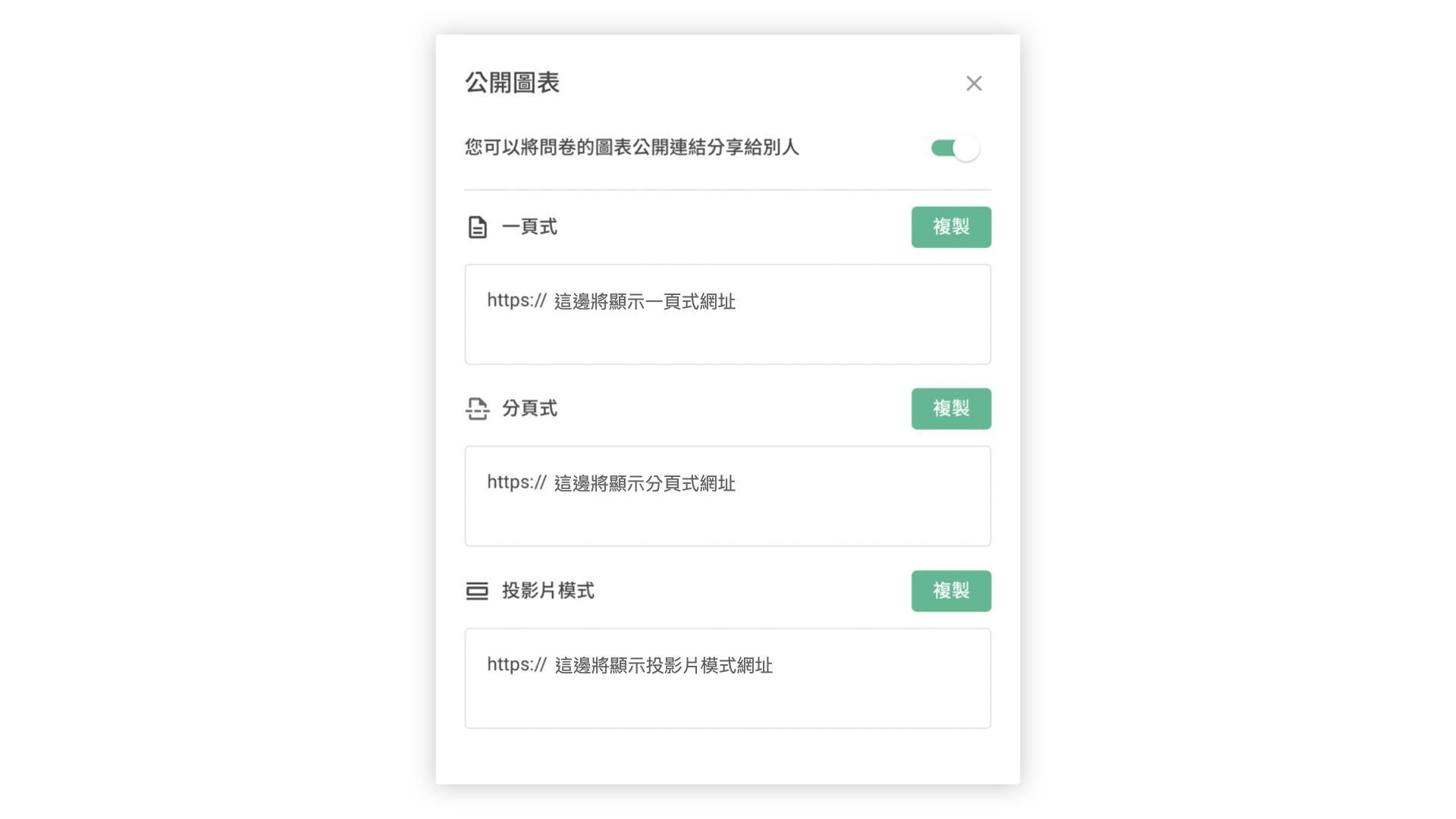
Chart Report comes in 3 different layouts : Portrait ,Brochure, and Slideshow. Before sharing, remember to toggle the Share Charts' link ON to make the link works!
The Portrait layout presents all questions on one single page.
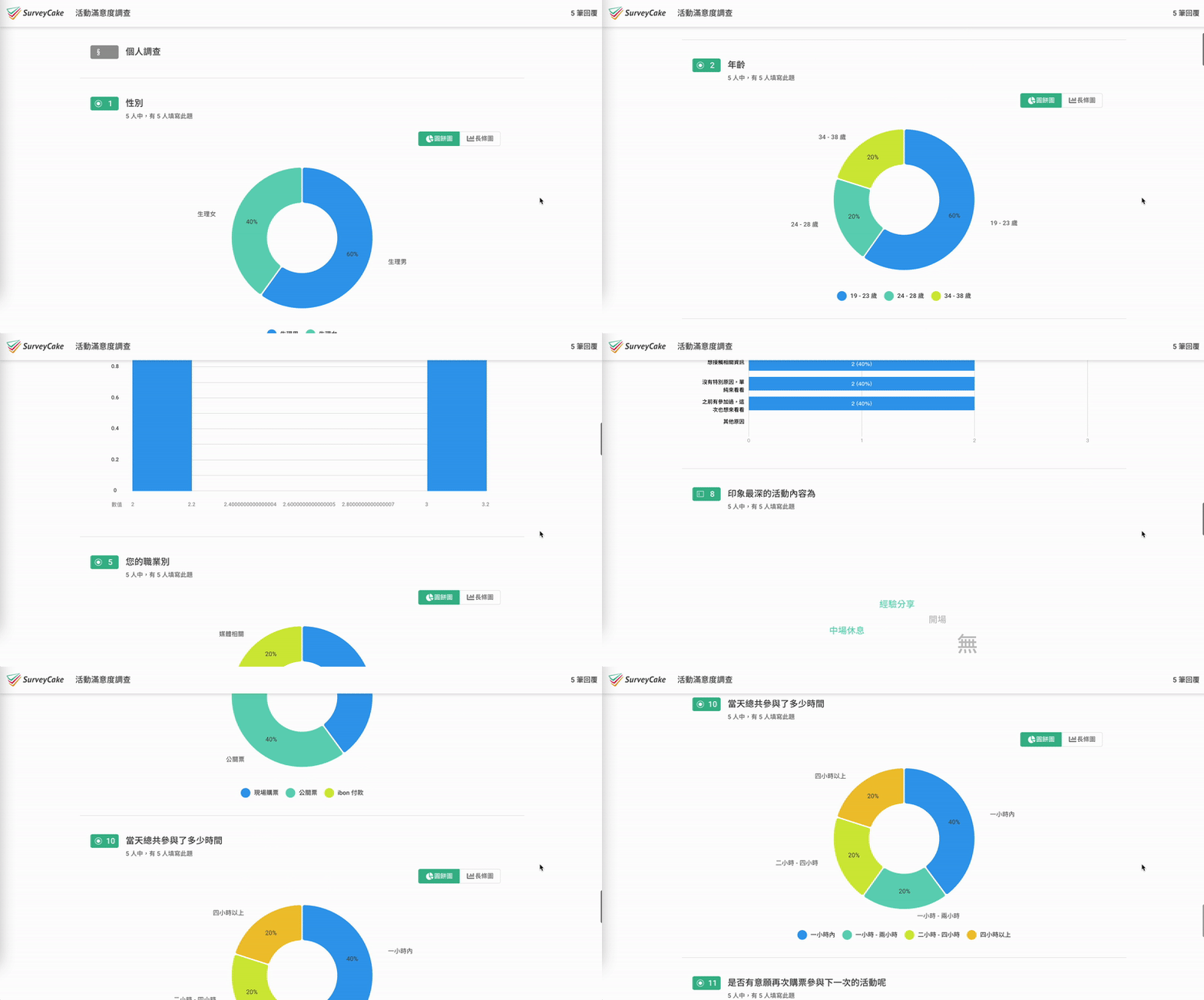
Portrait Layout
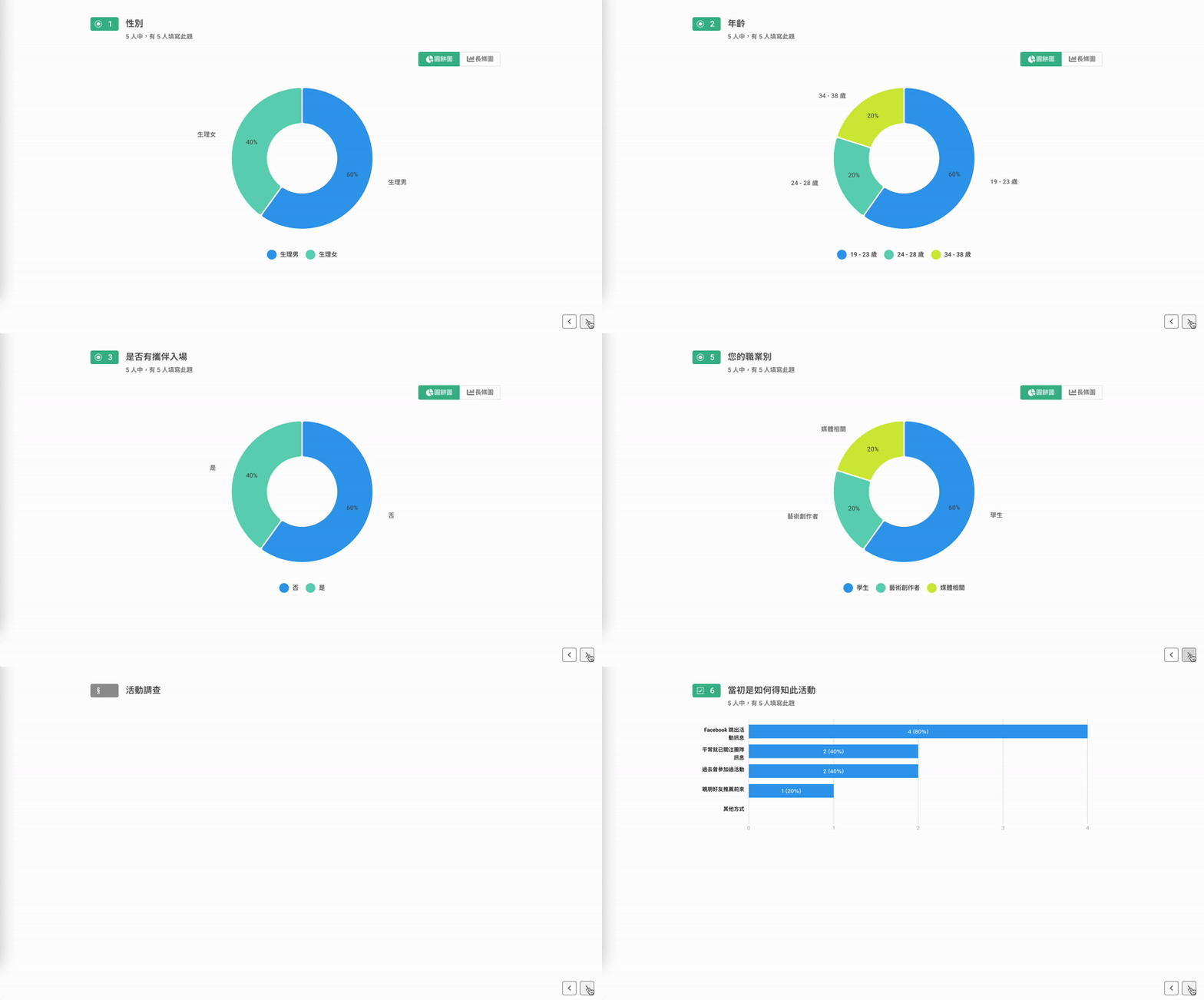
The Brochure layout presents one chart per page.

Brochure Layout
The Slideshow layout allows you to directly project statistical charts of various questions on the full screen. This helps you to make your presentation easier and make your team members grasp your idea immediately!
Slideshow Layout
FAQ
Can I share only specific statistical charts with others?
Yes, of course! If you only want to share a specific question's statistical charts, you can go back to the "Build" page and hide the questions you don't want to share. This way, the hidden questions' statistical charts won't appear in the public charts!
For example, if you don't want to display the statistical charts for the name question in the public charts, you can hide that question.
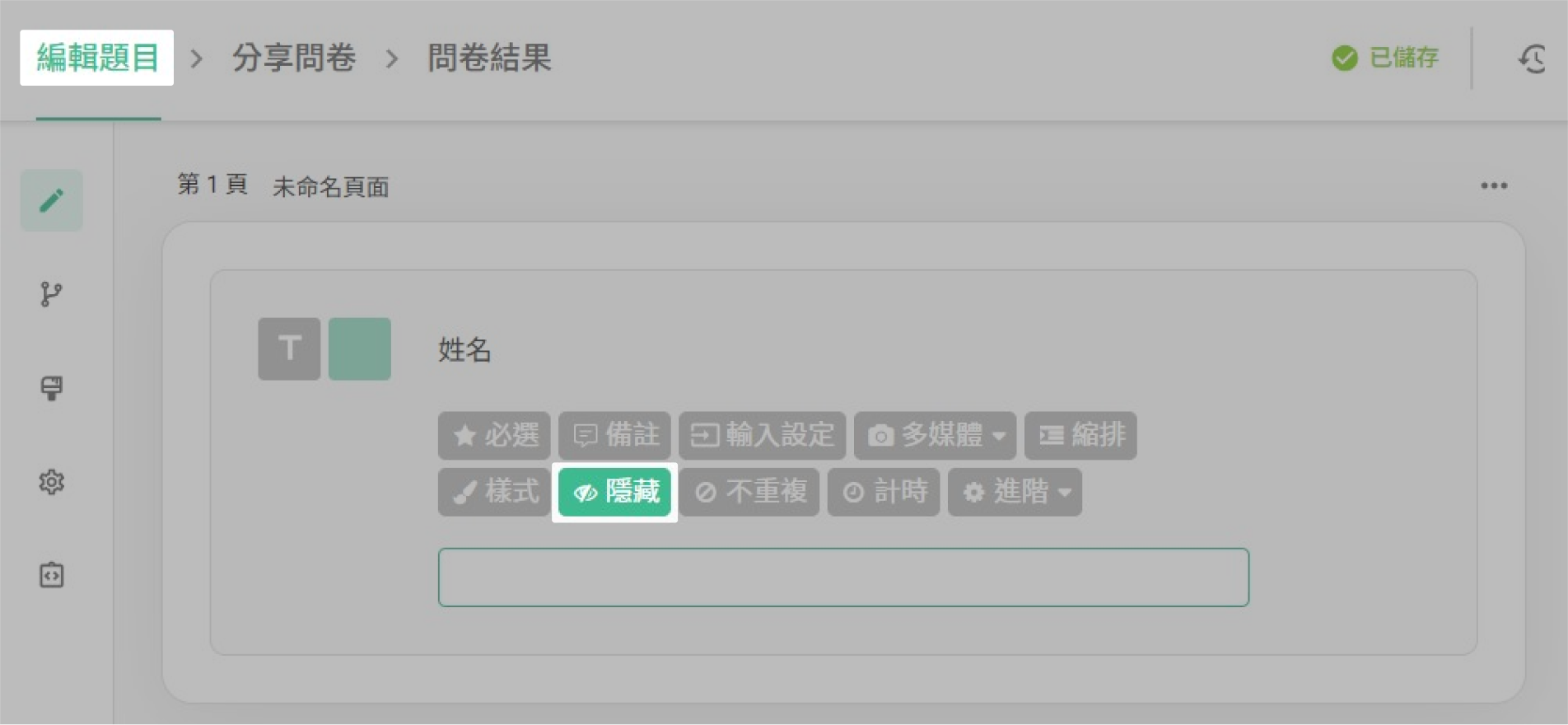
"Hide" the name question
Note : If a question is set to "Hide", it won't appear in the survey as well. Therefore, it's recommended to wait until no more responses are expected before hiding questions and sharing the statistical charts.
Summary
With Share Charts, stay up-to-date on survey results with anyone you wish!



