Selection Based creates subsequent questions using single or multiple response items selected or unselected by the respondents so that additional choices can be made.
For example, the first and second questions in the survey are: "Which Asian countries do you want to visit?" and "Which European countries do you want to visit?"
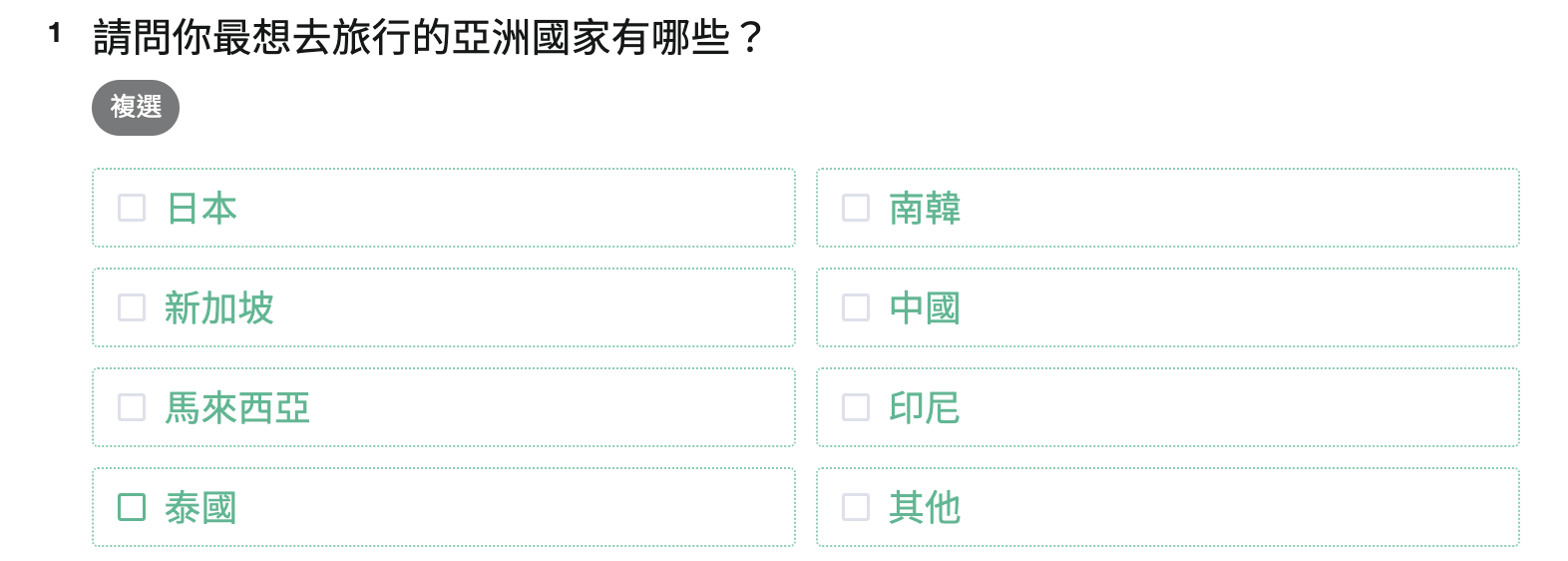
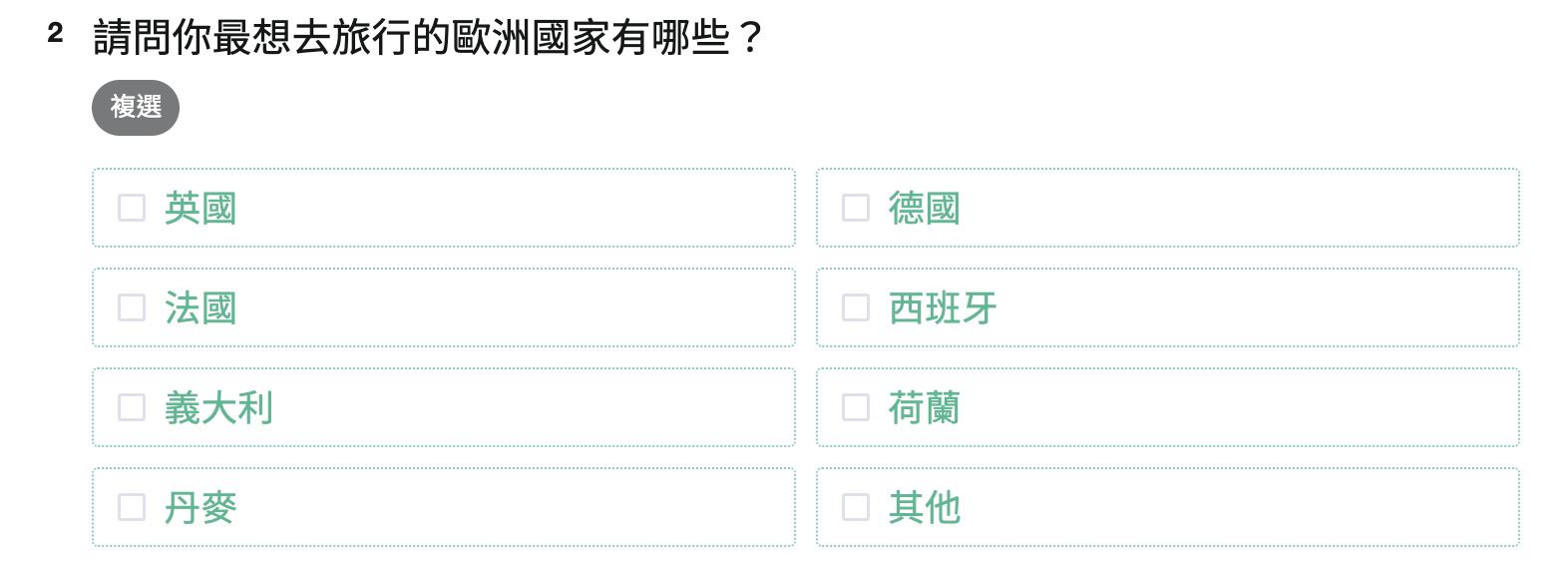
After checking the response, all items selected are automatically imported into the third Selection Based question. In the third question, respondents will choose the country they want to visit based on the ones they had selected.
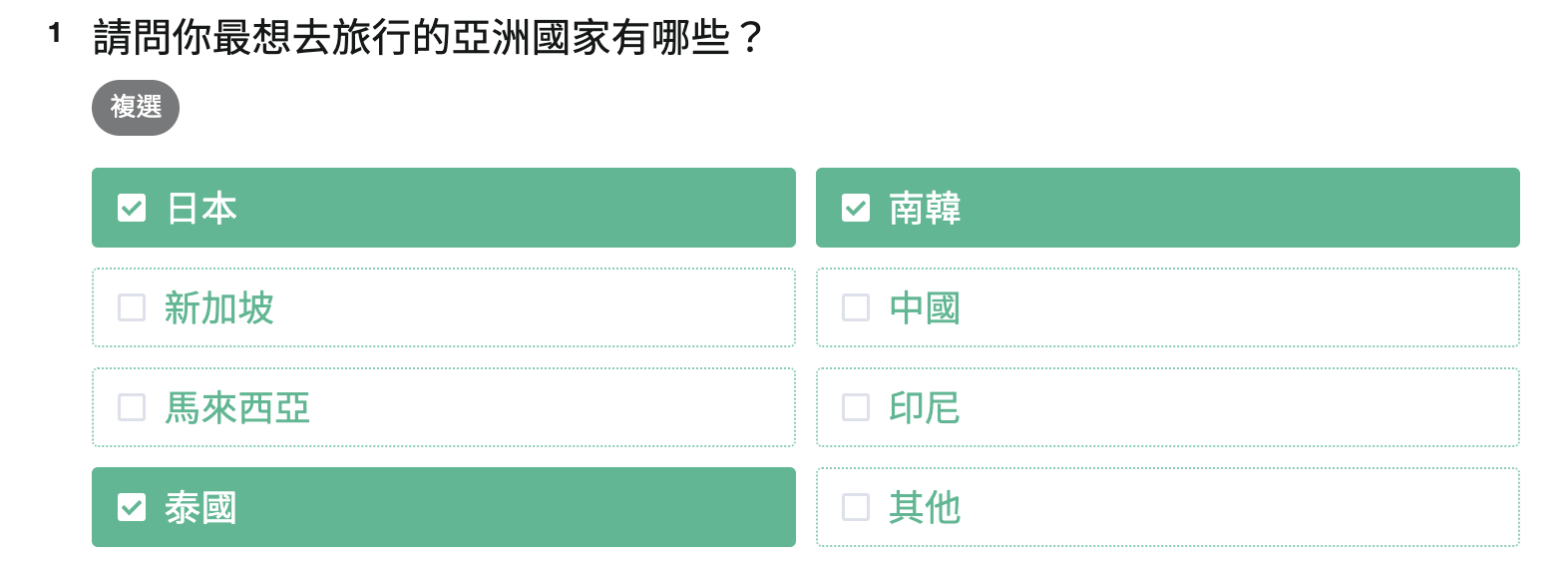
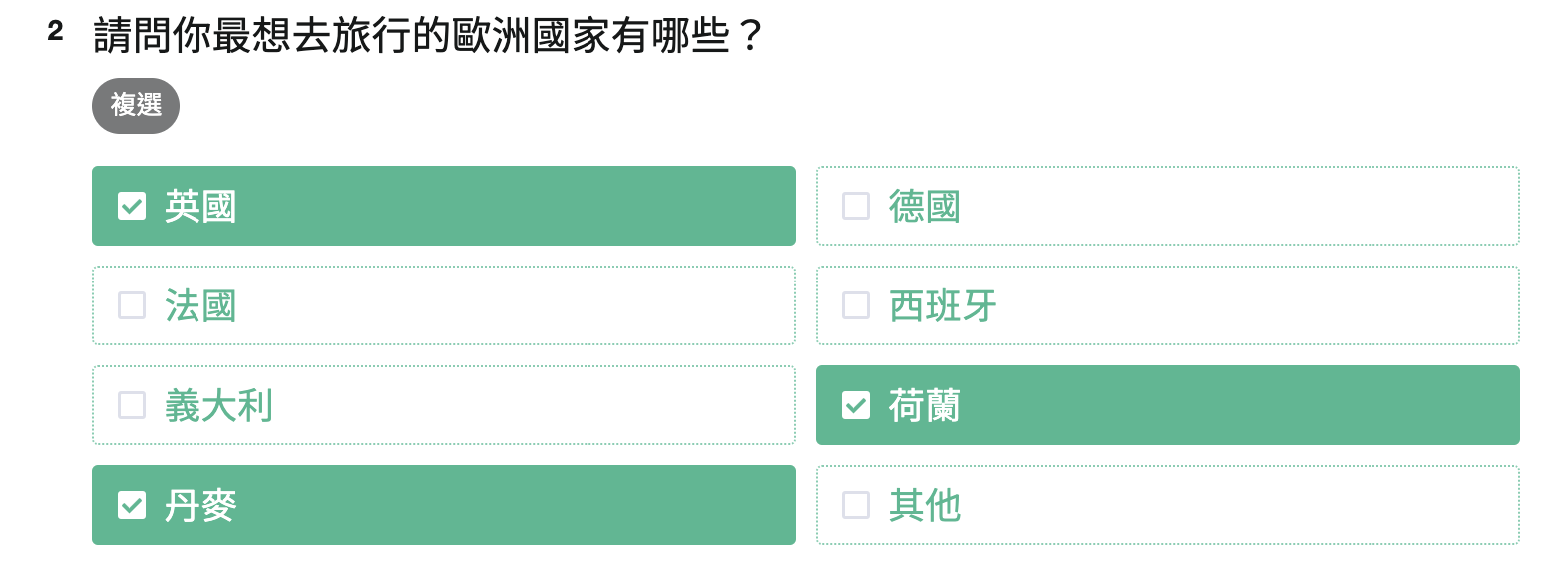
Do you see it? All previously selected Asian and European countries become items under this question!
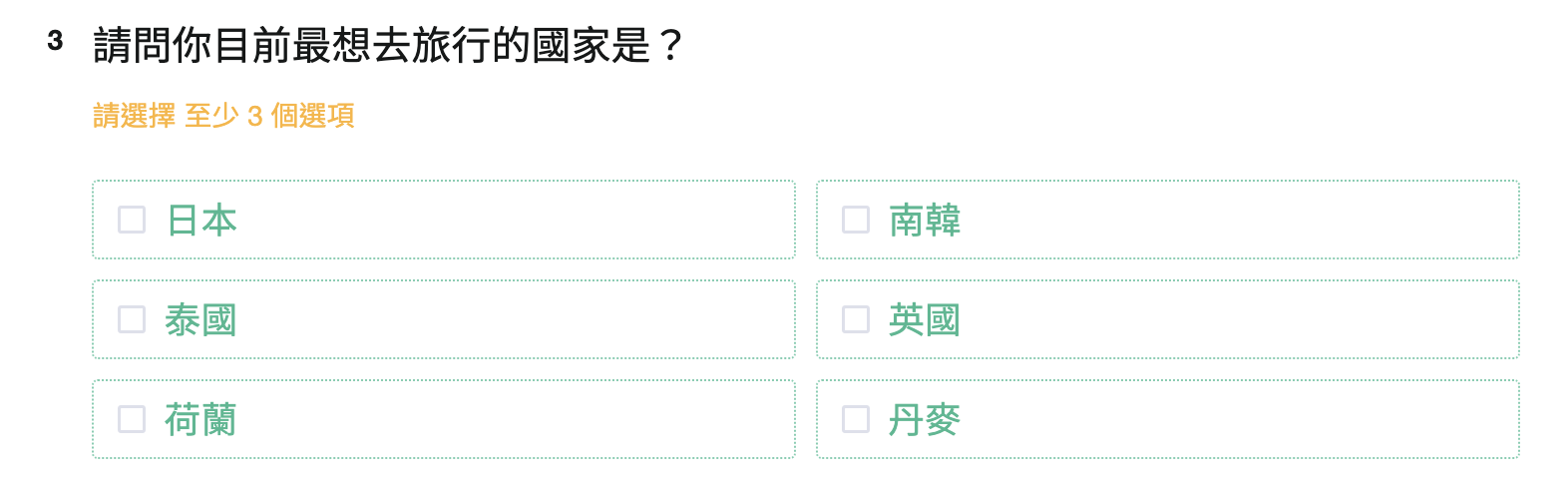
How to set up Selection Based?
We first ask respectively which Asian and European countries the respondents want to visit with Checkboxes.
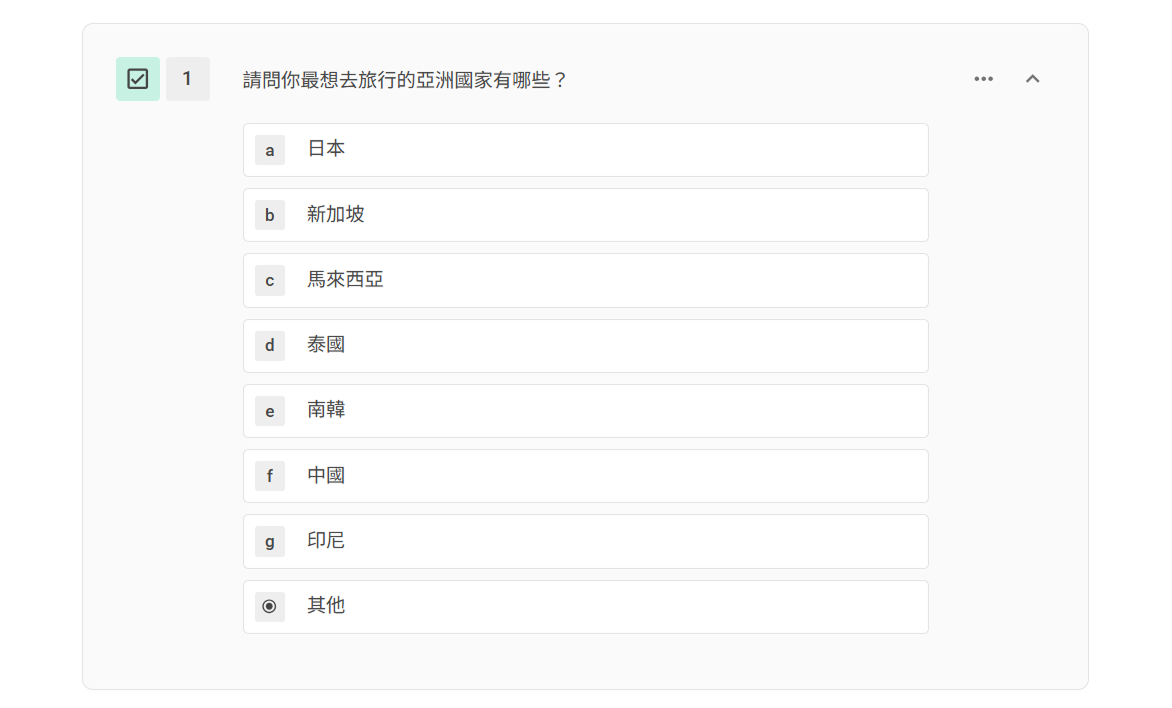
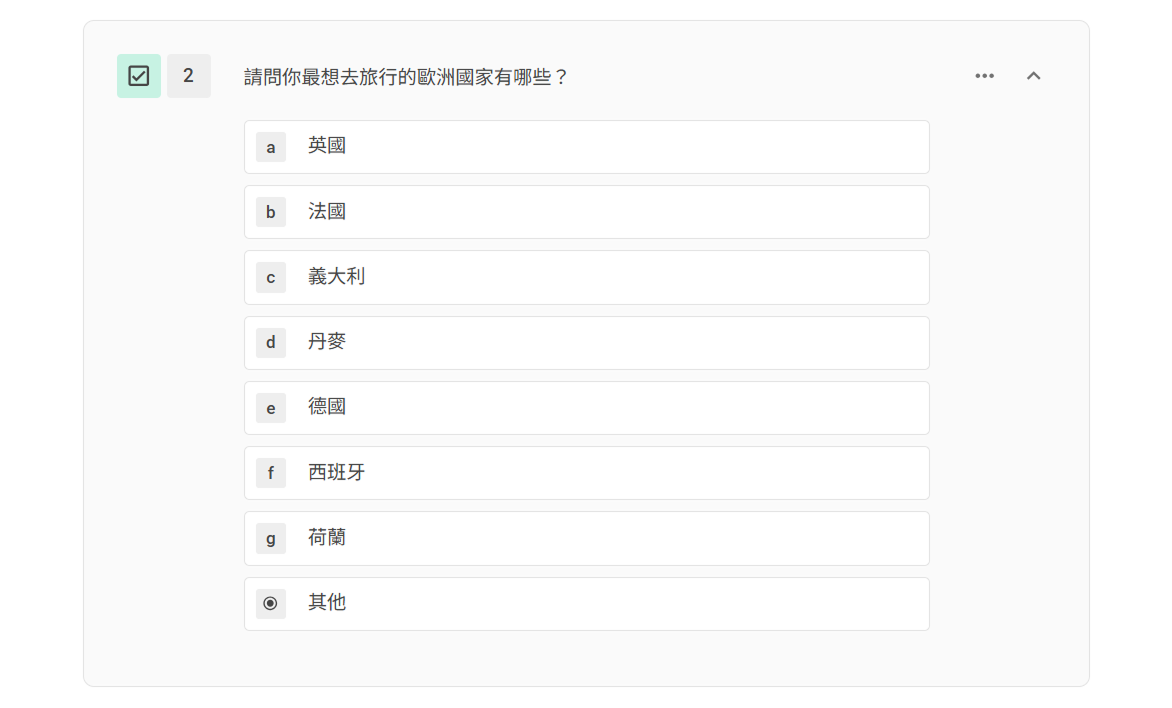
Attention! Multiple Choice and Checkboxes questions must precede Selection Based for options to be imported.
The next step is to add Selection Based in the third question.

After adding Selection Based, set the Option Source and Option Setting
Option Source specifies questions to be imported automatically. Here we choose the first two questions. Option Source can import selected options or unselected options.
In the example above:
If you check "Import selected options", the Selection Based will display options, including "Japan, South Korea, Singapore, Great Britain, Germany, Italy."
If you check "Import unselected options", the Selection Based will display options excluding "Japan, South Korea, Singapore, Great Britain, Germany, Italy."
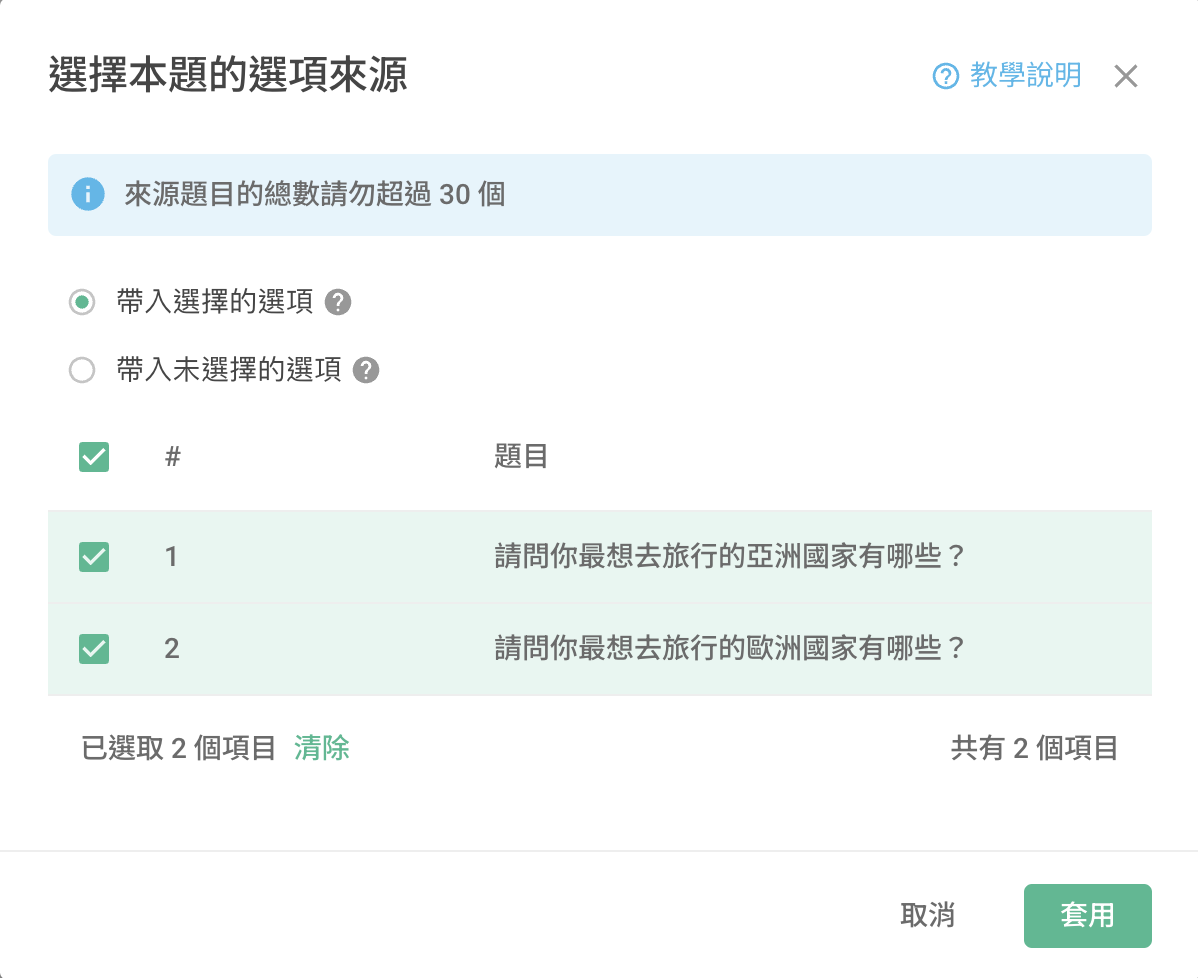
Option Setting affects the number of options to be selected and question logic. Simply enter the number of Selection Based options and done!
Here the respondents must check at least three options.
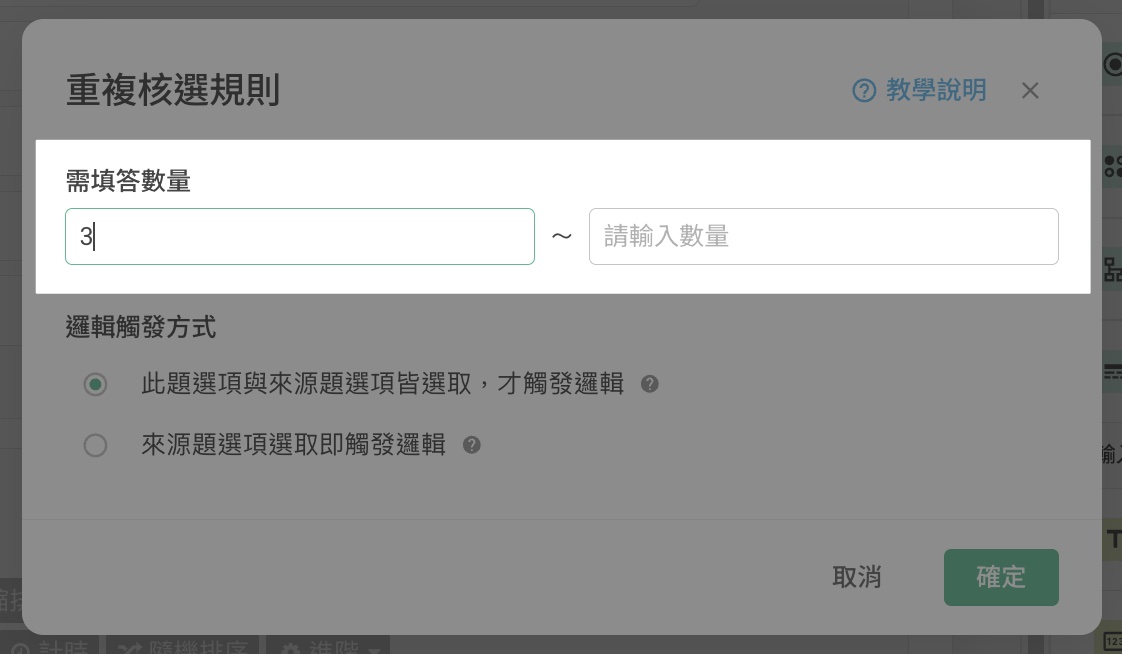
If Conditional Branching and Skip Logic are selected in the Multiple Choice and Checkboxes questions, we will move on to the logic setting. Two options are available:
"Logic is triggered only when both this question option and the source question option are selected"
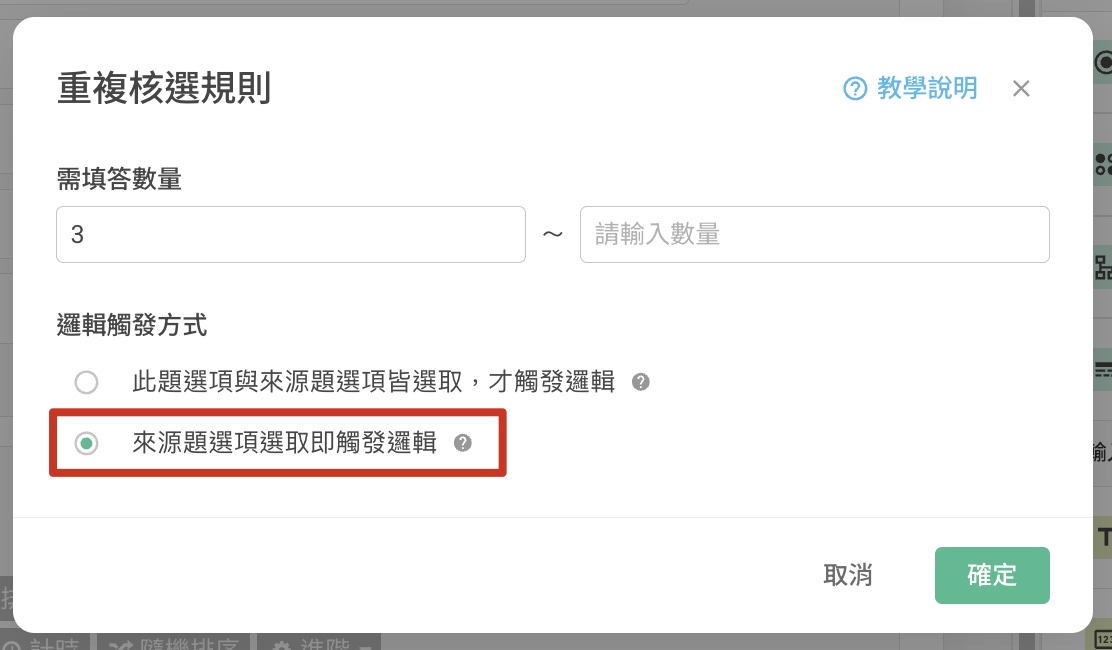
"Logic is triggered when the source question option is selected "
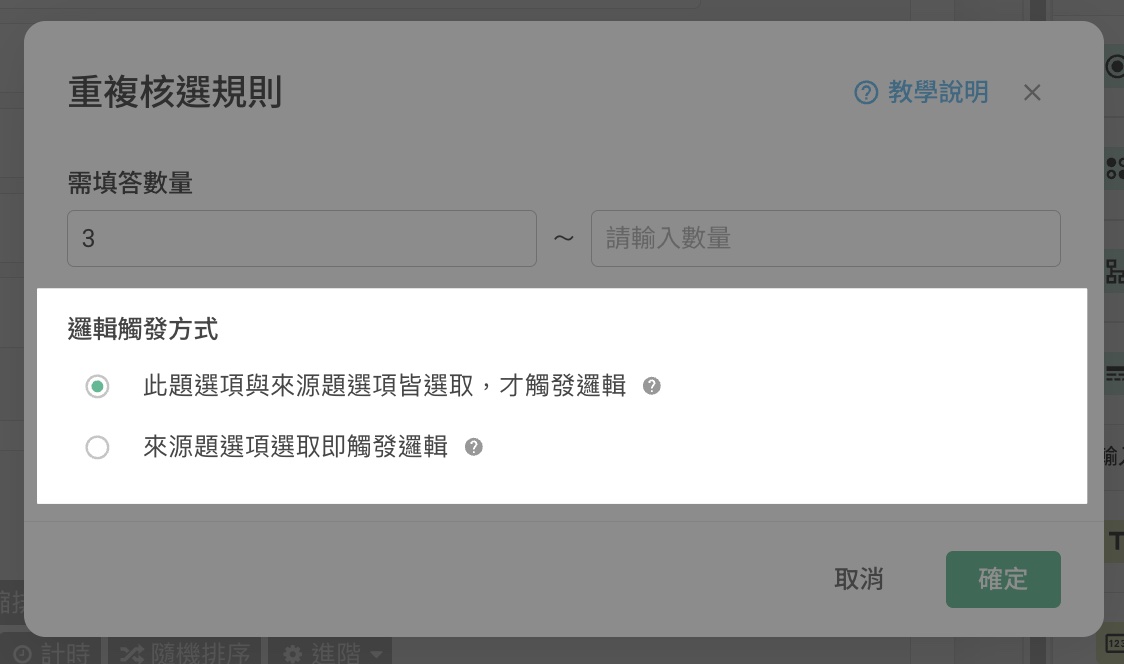
For example, suppose the "Japan" option in the first question is conditional branched to the introduction of tourist attractions in Japan, therefore :
"Logic is triggered only when both this question option and the source question option are selected" means that Japan must be selected once in the first question, and a second time after Selection Based. Only after that will the introduction of tourist attractions in Japan appear.
"Logic is triggered when the source question option is selected" means that as long as Japan is selected in the first question, regardless of being selected in Selection Based, the introduction of tourist attractions in Japan will automatically appear.
Selection Based provides a wide range of data without redundant responses. Taking this survey as an example, Selection Based allows us to understand consumer preferences for tourism in different continents. It is also possible to know the countries they want to visit based on the continent. Furthermore, Conditional Branching and Skip Logic provides more information on consumers and suggests appropriate actions!
FAQ
Why does the original Multiple Choice / Checkboxes skipping logic fail after adding the Selection Based option?
First, click on the "Option Setting" button and check whether you have set "Conditional Branching and Skipping Criteria" to "Logic is triggered only when both this question option and the source question option are selected"
If YES then it means that you need to reselect the option associated with the skipping logic question again in order to make the skipping logic work.
It is recommended to set the "Conditional Branching and Skipping Criteria" to "Logic is triggered when the source question option is selected" so that the skipping logic is always active.
Summary
Selection Based generates a wide range of precise data without much effort from the respondents!



