If you sell tickets for popular events or host voting contests on the web, you are vulnerable to scalpers or spammers who may use malicious software to target you. Similarly, popular surveys may also be under attack from malicious software.
To defend against attacks from malicious software, you can turn on the reCAPTCHA verification function to easily prevent these attacks!
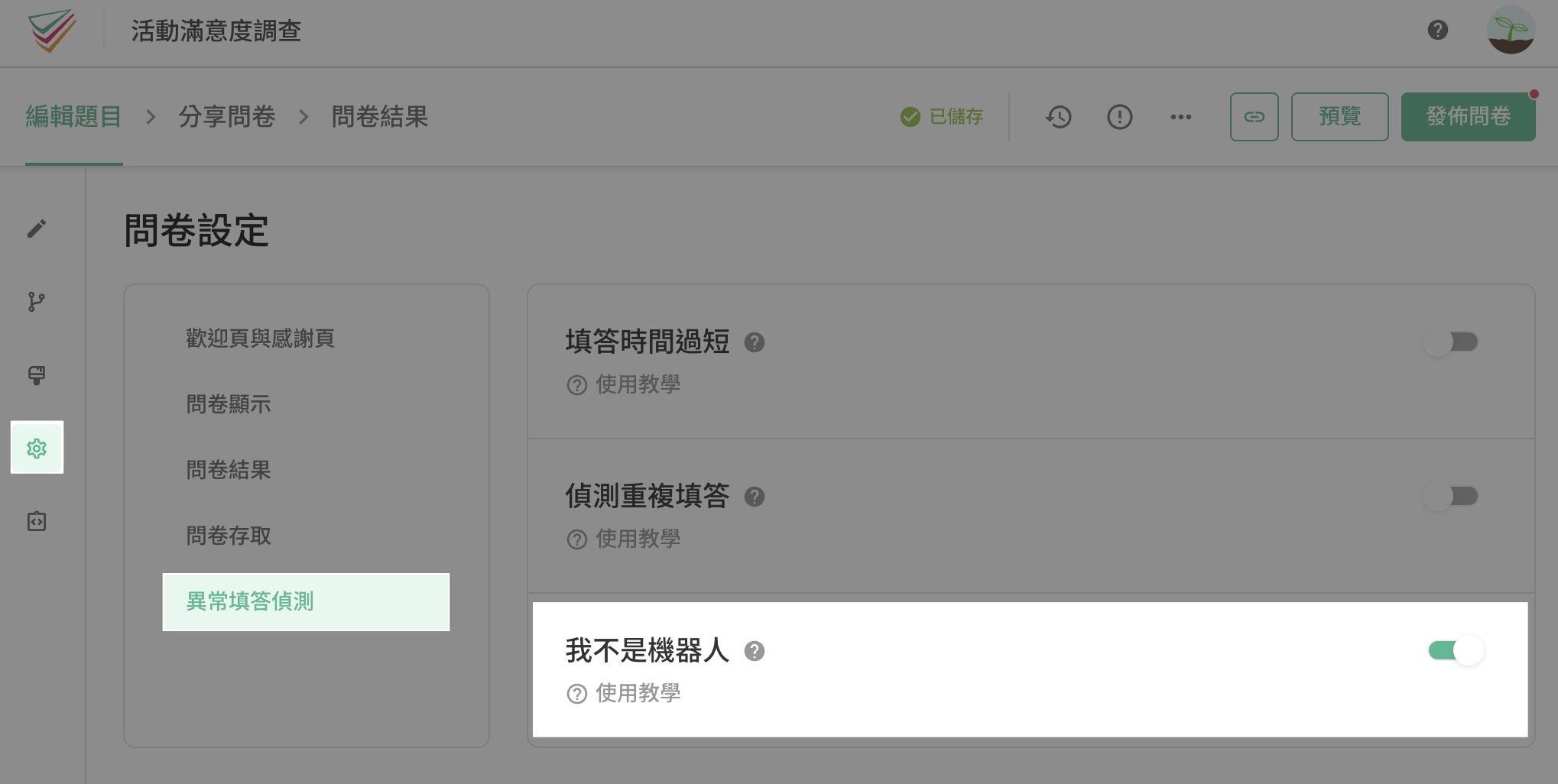
Enable reCAPTCHA on the Settings > Anomaly Detection page.
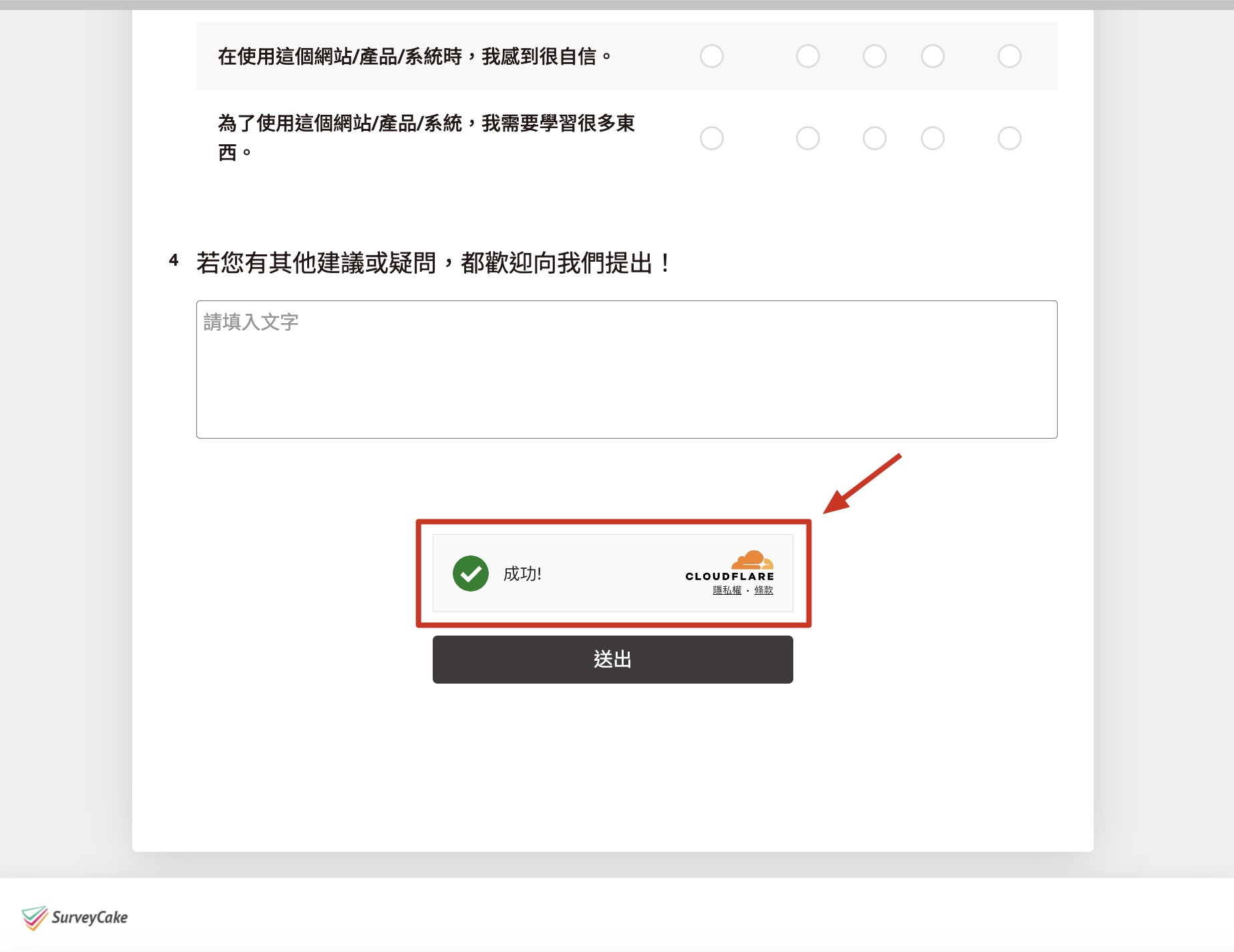
After turning on reCAPTCHA, it will appear at the end of the survey to verify that a user is not a robot. Respondents must check the reCAPTCHA verification before they can submit the survey.
Summary
Keep your surveys safe by using reCAPTCHA to effectively stop malicious software attacks!



