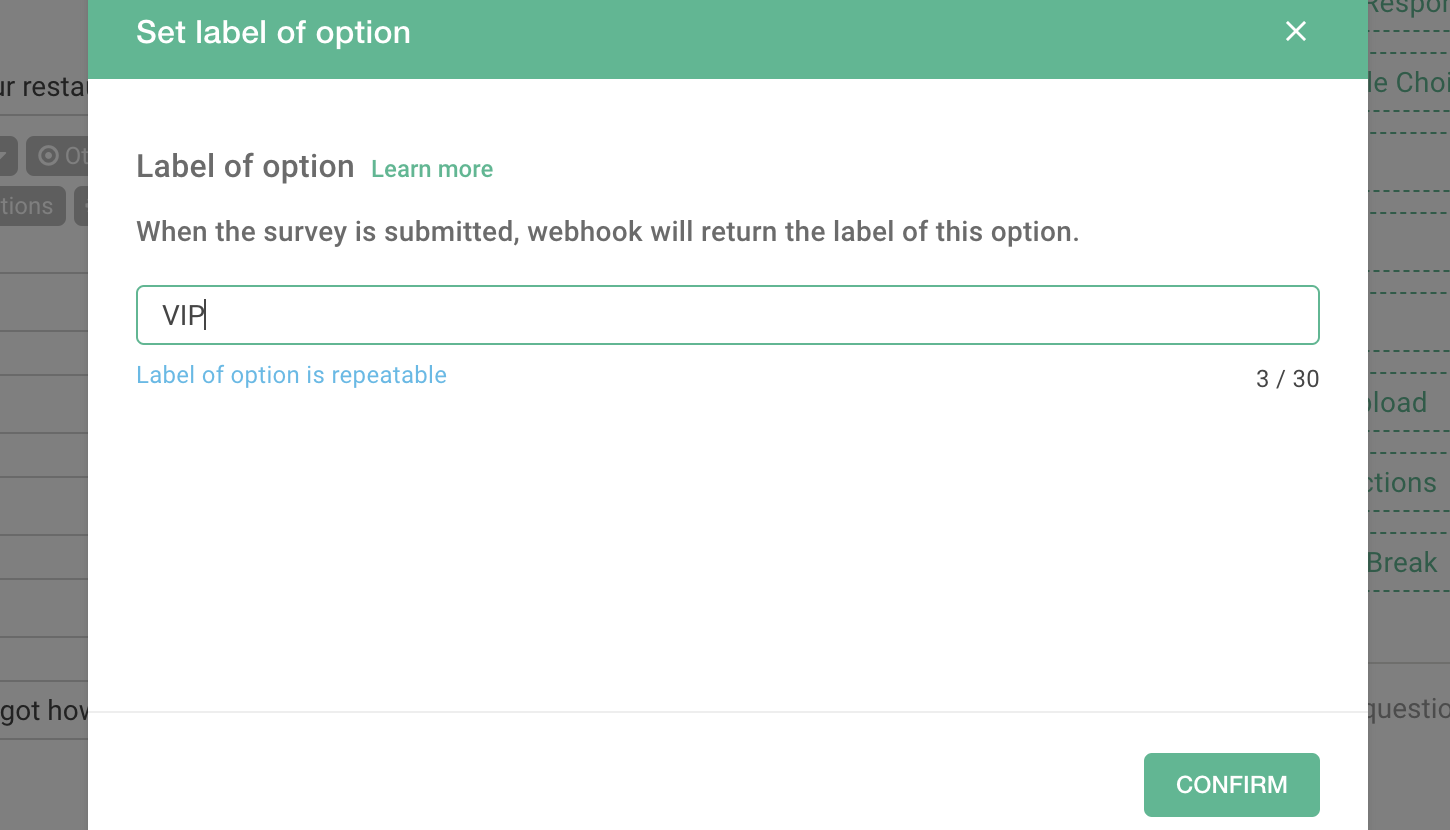
Label can help you add specific labels to each question and answer, which assists the classification and organization of webhook data when it is returned. Currently, the data report mainly analyzes questions and answers. If you need additional advanced analysis, the system can also be connected to a third-party provider through Label and imported into the data report for further integration.
Take Meal Frequency Investigation as an example. Users will choose the answers according to the frequency of their meals. Thereafter, the data report will analyze it according to the given answers.
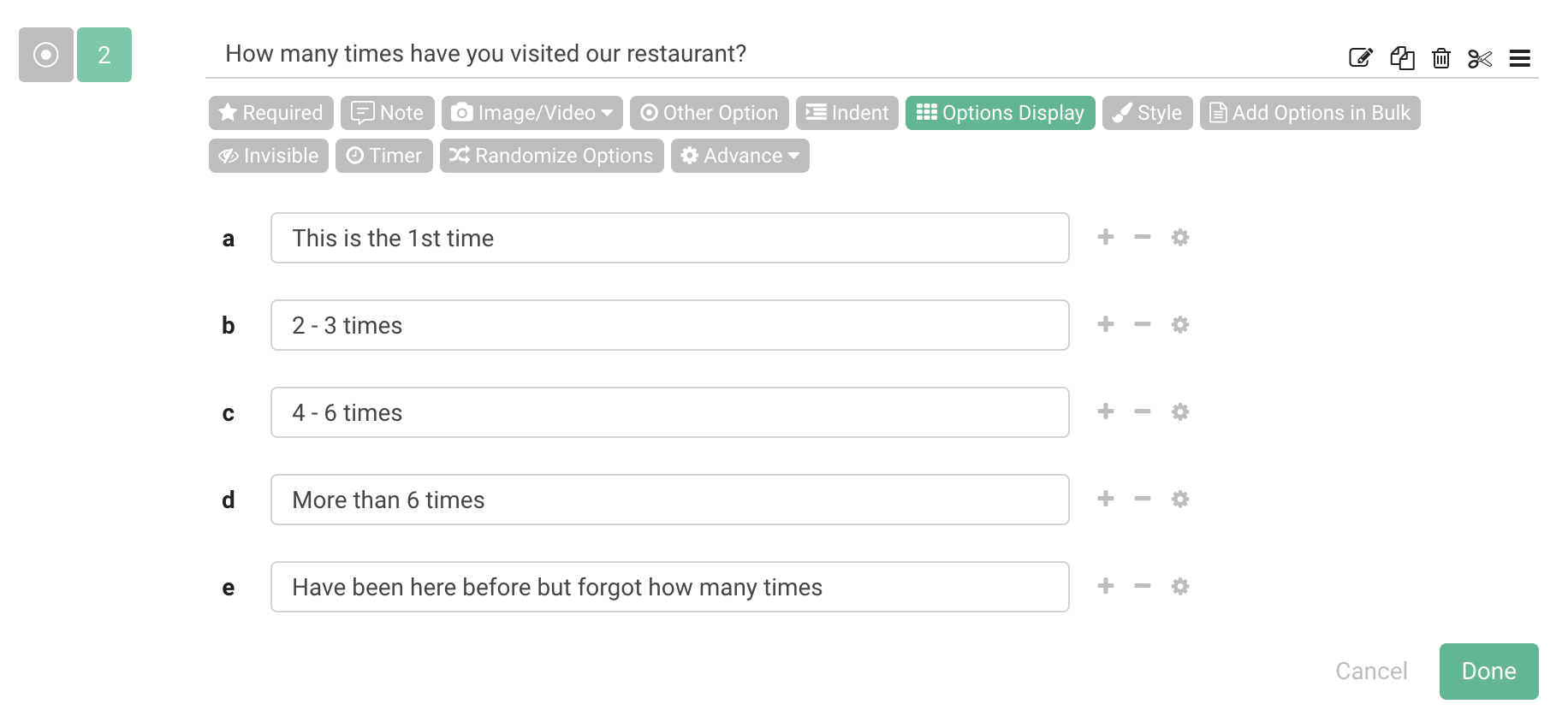
If there are further data application requirements, it is also possible to connect to the database via webhook. While importing the database, you may choose to mark answers of the same type by using the Label.
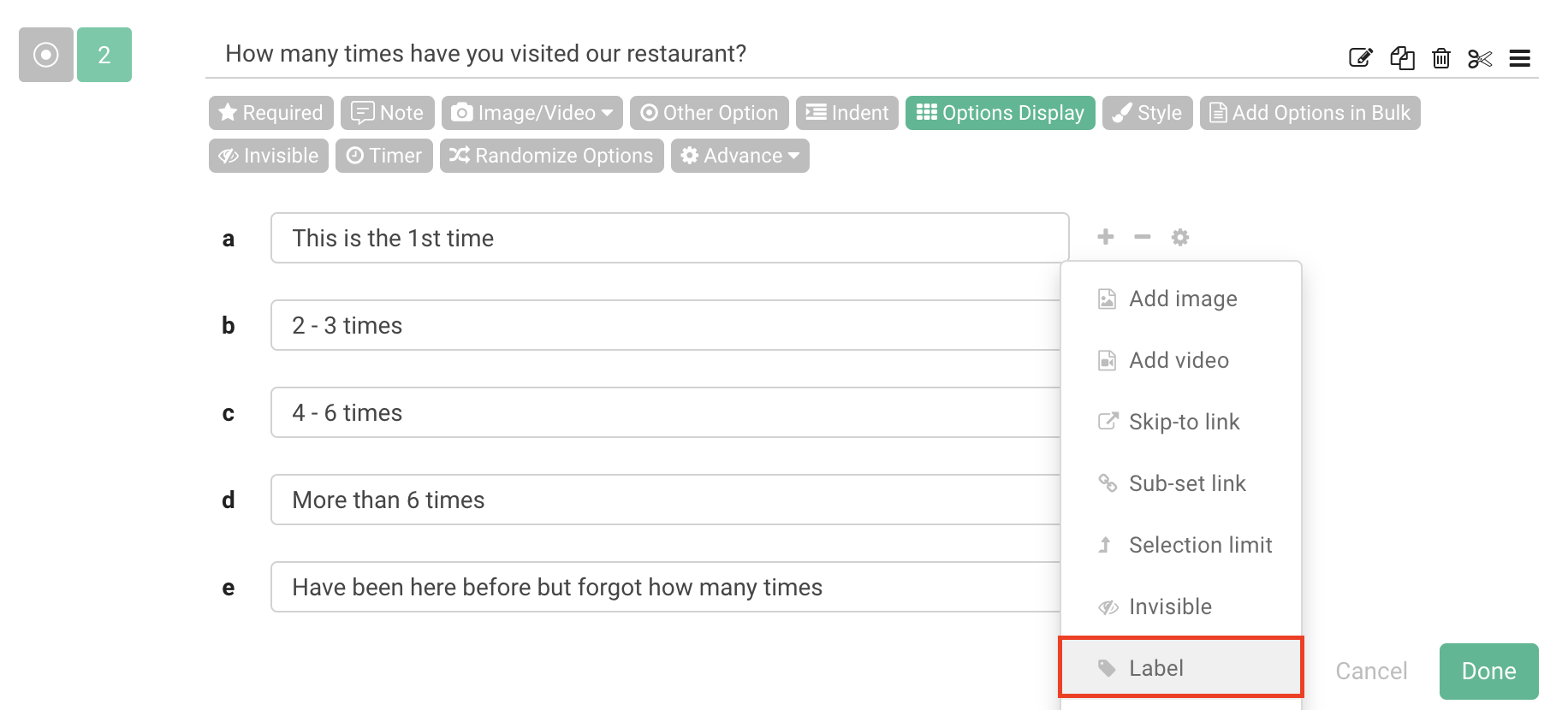
For example, you can label "first-time" users as new customers, the label "4-7 times" and "8-10 times" users at the same time as VIP, and "more than 10 times" users as VVIP. In this way, when the webhook sends data, each option can be sent to the database together by Label.
Summary
Use Label to classify questions and answers according to their types to effectively organize information!



