In case you've forgotten your account password, take following steps to reset your login info:
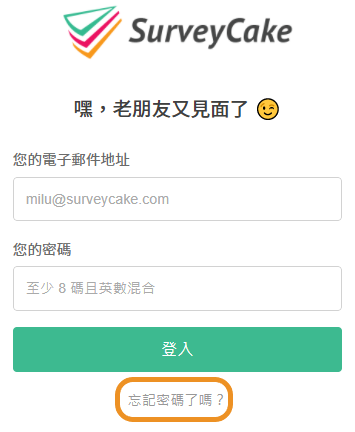
Go to login page, then click on "I forgot my password".
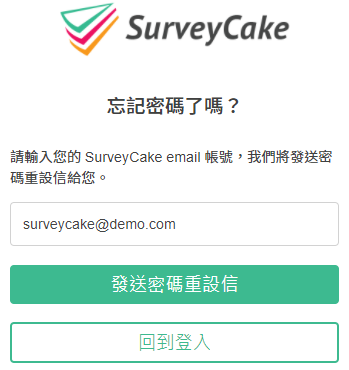
Enter account email then click "Send" for instructions on password reset.
Check your email inbox for the password reset email and click the link in the email to reset your password. (Reminder: The link is valid for 30 minutes. If the link has expired, please send the letter again.)
Login with a new password.
To protect the privacy and security of your account, once you've reset your password, the system will automatically log out all previously logged-in devices. After the password reset process is complete, you must use the new password to log in to your SurveyCake account.



