Take the following steps to change password in SurveyCake account:
Login SurveyCake and enter Account Setting page through the menu on the top right corner.
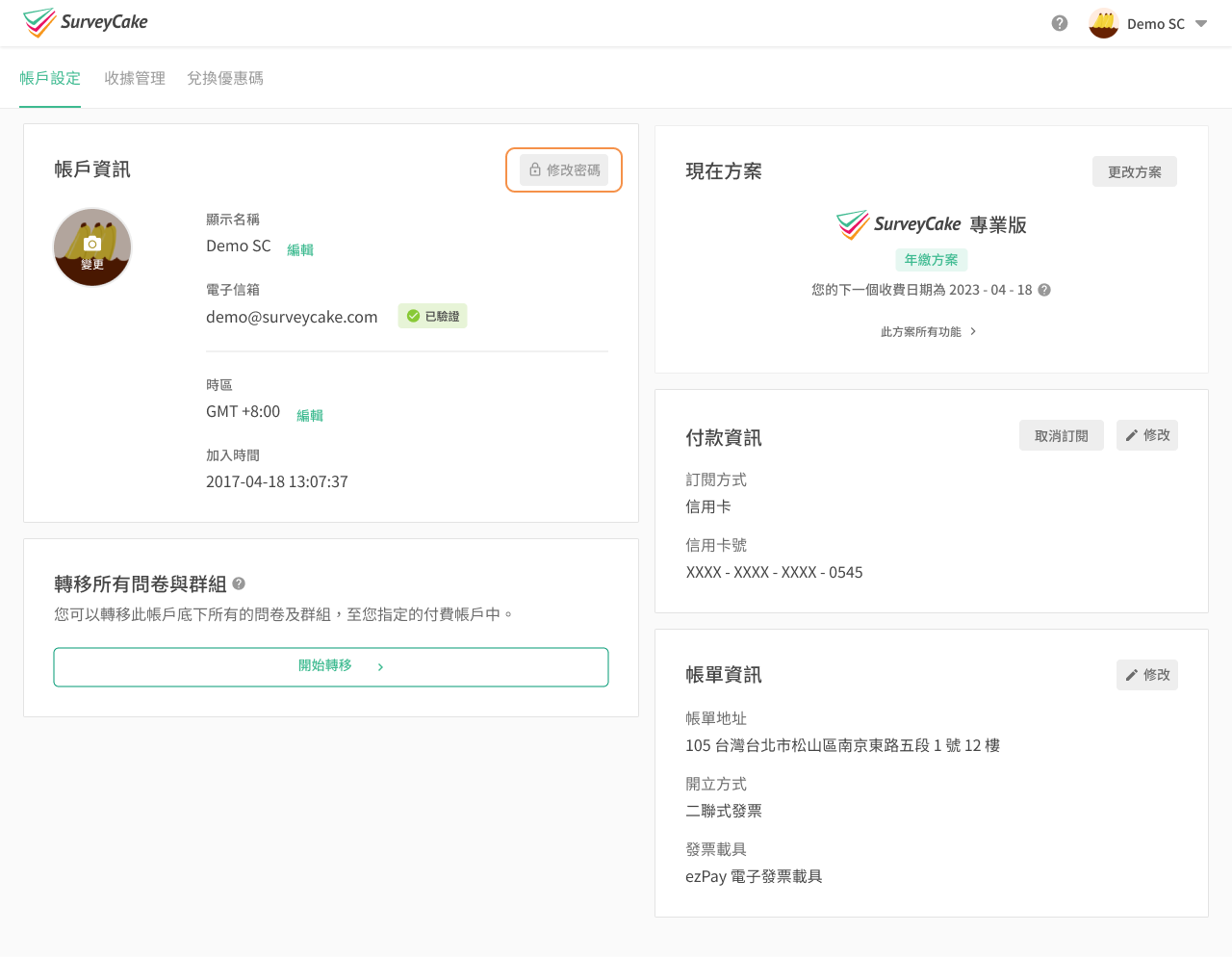
Click on "Change Password".
Enter the old password, and then enter your new passwords (at least 8 characters and a mix of letters and numbers), click "Update" to change your password.
Note: If you sign up for SurveyCake using your Google or Facebook account, you won't see the "Change Password" button in your account settings as your email address and password is managed by Google/Facebook. To change your password, please go directly to the Google or Facebook website to make changes.
To protect the privacy and security of your account, once you've reset your password, the system will automatically log out all previously logged-in devices. After the password reset process is complete, you must use the new password to log in to your SurveyCake account.



